
You’ve decided to get serious about your money. Smart move. But search “expense tracker app” and you’re hit with hundreds of options, each promising to change your financial life. Some are bloated and confusing. Some demand your bank login. Some are free until they suddenly aren’t.
So how do you choose the right one? The best expense tracking app isn’t the one with the most features — it’s the one you’ll actually open every day. This guide breaks down exactly what to look for, which features genuinely matter, and why “offline-first” is the detail most people overlook until it’s too late.
Why You Need an Expense Tracking App at All
Let’s start with the obvious question: why bother with an app when you have a banking app already?
Because your banking app shows transactions, not patterns. It tells you a charge happened, but not that you’ve spent €380 on dining this month versus the €150 you intended. Research consistently shows people underestimate their spending by 20–40% — and that gap is exactly where financial stress lives.
A good expense tracker closes that gap by:
- Capturing every expense, including cash and the small purchases banks bury.
- Categorizing automatically so you see where money flows.
- Visualizing patterns through charts that make problems obvious at a glance.
- Being with you everywhere, so logging takes seconds in the moment.
If you’re new to tracking, our complete guide to tracking expenses walks through the habit itself. This article is about choosing the right tool to make it stick.
Key Features to Look For
Not all features are equal. Here’s what separates an app you’ll abandon in a week from one you’ll use for years.
Speed of Entry
The single most important feature. If logging an expense takes more than five seconds, you’ll stop doing it. Look for a fast calculator-style entry screen, one-tap categories, and minimal friction. An app you don’t use is worthless, no matter how powerful.
Clear Visual Reports
Numbers in a list don’t change behavior — seeing a giant slice of pie labeled “Delivery” does. The best apps turn your data into charts and breakdowns that make overspending impossible to ignore.
Custom Categories and Notes
Your life isn’t a template. Good apps let you tailor categories to your reality and add notes (a quick comment beats clunky sub-categories) so you remember what a purchase actually was.
Multiple Wallets and Currencies
If you juggle cash, a card, and maybe savings — or travel across Europe — you need an app that handles multiple wallets and currencies without forcing everything into one bucket.
Must-Have vs. Nice-to-Have Features
When comparing apps, separate the essentials from the bonuses. Here’s a practical breakdown.
| Must-Have | Nice-to-Have |
|---|---|
| Fast, simple expense entry | AI spending insights |
| Visual charts and reports | Receipt scanning |
| Works offline | Recurring transaction automation |
| Customizable categories | Cloud backup and sync |
| Free core features | Multi-device support |
| Privacy (no forced bank link) | Export to spreadsheet |
If an app nails every “must-have,” it’s a keeper. The “nice-to-haves” are what elevate a good app into a great one — and increasingly, AI-powered insights are moving from luxury to expectation. For a look at how AI changes the game, see 5 ways AI helps you save money.
Why Offline-First Matters More Than You Think
Here’s the feature almost nobody asks about — until it ruins their tracking habit.
Many popular apps require a constant internet connection because they sync to the cloud in real time. Sounds fine, until you’re:
- In a basement supermarket with no signal.
- On a plane or train tunneling through the countryside.
- Travelling abroad without data.
- Simply somewhere with patchy reception.
In those moments, a cloud-dependent app either fails to log your expense or makes you wait. And the moment you can’t log instantly is the moment you forget — and the habit breaks.
Offline-first apps store everything on your device immediately, then sync to the cloud later when you’re connected. You can log an expense in a tunnel, on a mountain, or on a flight, and it’s saved instantly. This single design choice is the difference between a tracking habit that lasts and one that quietly dies.
Bonus: offline-first usually means better privacy too, since your data lives on your device first rather than being shipped to a server with every tap.
Why We Recommend Budget Track AI
We built Budget Track AI because we were tired of apps that were either too complicated, too expensive, or demanded our bank logins just to track a coffee. Here’s how it stacks up against everything above.
- Lightning-fast entry. A calculator-style keyboard logs expenses in under five seconds. No friction, no excuses.
- Genuinely offline-first. Every expense saves to your device instantly and syncs to the cloud when you’re back online. Log anywhere, anytime.
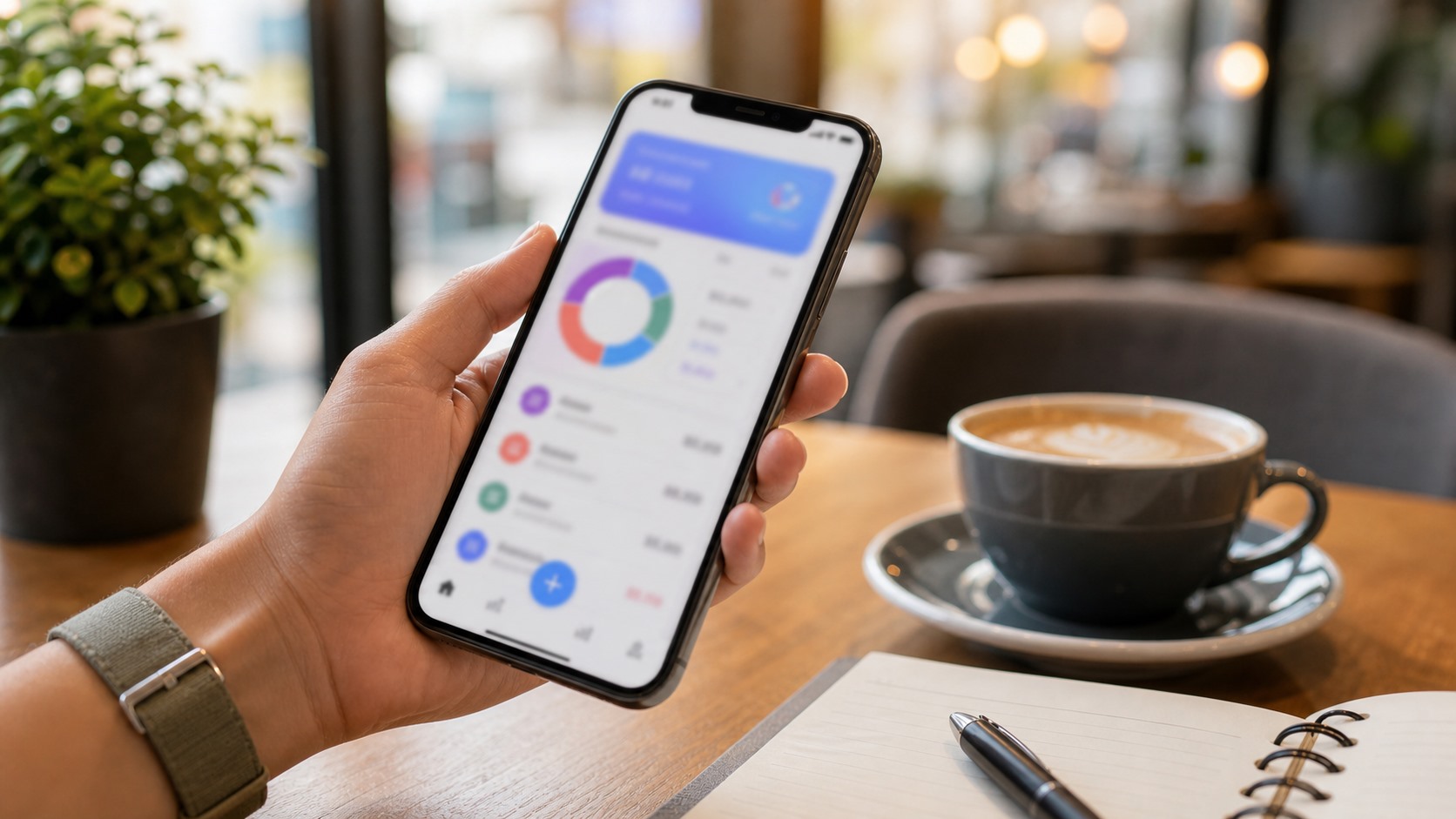
- Beautiful visual reports. A Monefy-style pie chart and clear breakdowns show exactly where your money goes at a glance.
- AI-powered insights. The built-in AI assistant analyzes your spending, answers questions like “how much did I spend on groceries?”, and generates personalized weekly and monthly reports.
- Unlimited wallets, free. Track cash, cards, and savings separately with no artificial limits — even on the free plan.
- Privacy by design. No required bank connection. Your data stays yours.
- Free to start. Core tracking is completely free, with no account needed to begin.
It ticks every must-have box and most of the nice-to-haves — built specifically to be the app you’ll actually keep using.
Ready to log your first expense in seconds? Budget Track AI is free to start — no account, no commitment.
Get Budget Track AI on Google PlayFrequently Asked Questions
What is the best free expense tracker app?
The best free app is one with fast entry, visual reports, offline support, and no forced bank connection — used consistently. Budget Track AI offers all of these on its free plan, including unlimited wallets and core tracking, which is why we recommend it for most people starting out.
Do expense tracking apps need access to my bank account?
Not necessarily. Many apps require bank linking for automatic imports, but that raises privacy concerns and isn’t essential. Apps like Budget Track AI let you log expenses manually in seconds, keeping your data private and putting you in full control.
Is there a good offline expense tracker app for Android?
Yes. Offline-first apps store your data on the device and sync later, so you can log expenses without a connection. Budget Track AI is built offline-first specifically so your tracking habit never breaks due to poor signal.
Are paid budgeting apps worth it over free ones?
Only if the premium features genuinely help you. Free apps cover the essentials — entry, categories, and reports. Premium tiers add value through AI insights, automation, and ad removal. Start free, then upgrade only if a specific feature pays for itself.
How do I know if an app is right for me?
Use it for two weeks. If logging feels effortless and the reports change how you spend, it’s the right app. If you find yourself avoiding it, the friction is too high — try a faster, simpler one. The best app is the one you’ll actually open.
Final Thoughts
The “best” expense tracking app isn’t about feature checklists — it’s about fit. You want something fast enough to use without thinking, clear enough to change your behavior, and reliable enough to work everywhere, including offline.
Get those fundamentals right and the app becomes invisible: a quiet habit that quietly transforms your finances. Get them wrong and you’ll join the millions who download a tracker, use it twice, and forget it.
Choose an app you’ll actually open every day — that’s the one that works.
See how effortless tracking your money can be. Budget Track AI is free, fast, and works offline anywhere.
Try Budget Track AI — It's Free